Find any chat. Resume it.
You run ten Claude Code sessions a day. Three weeks later you need the one where you debugged the Stripe webhook. Good luck finding it.
chats-resume reads every session you have ever had, extracts smart labels, and resumes any of them in one command.
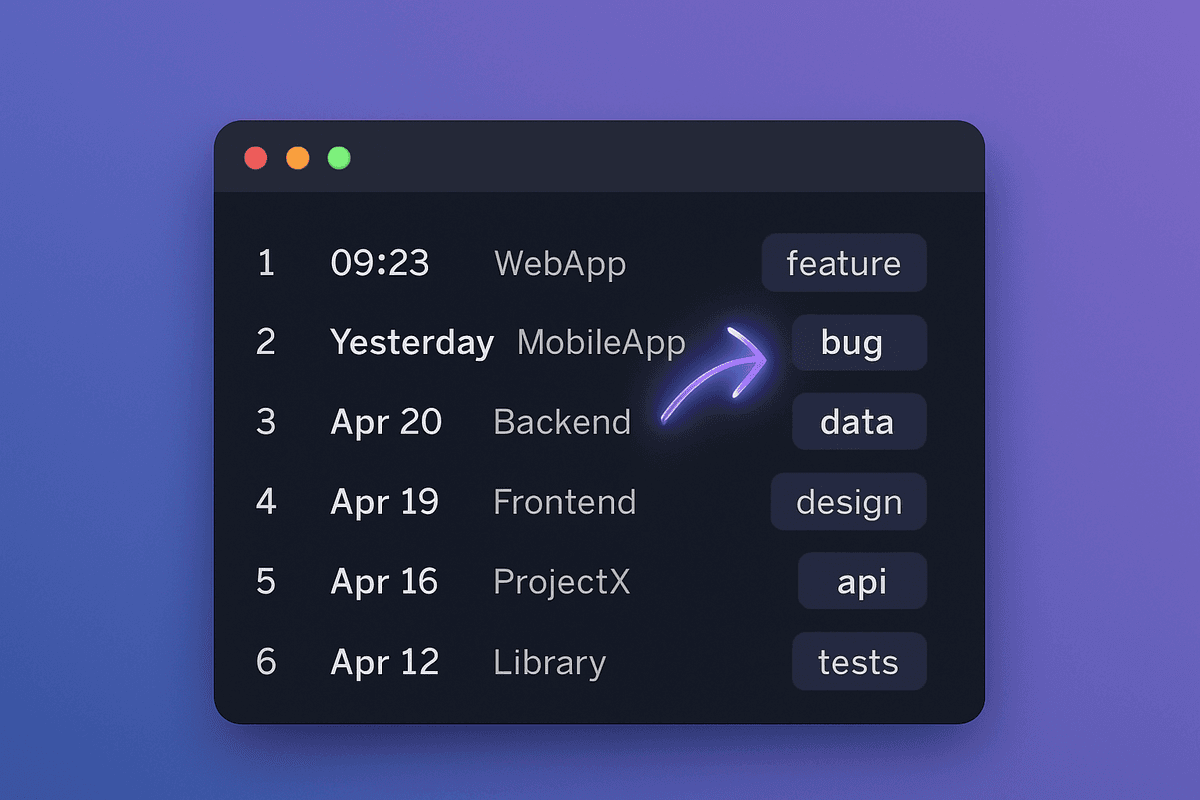
Built-in resume only shows your current folder
You open 10 sessions a day across 20 different project folders.claude --resumescopes to your CWD. So every other session just... disappears.
600 sessions, no labels
Can't find the Stripe debug session
Rebuild context from scratch
Three things built-in resume does not do
Cross-project listing. Smart labels. One-command resume from anywhere.
Cross-project listing
Built-in resume only shows chats in the current folder. chats-resume shows every session across every project you have ever opened.
Smart labels
Slash command in brackets, first user message stripped of XML noise, first domain in curly braces. You see {rankingreels.com} and know exactly which session that was.
One-command resume from anywhere
claude-chats -Resume 7 reads the original cwd from the jsonl, cd's there, and relaunches. No need to remember which folder.
Filter and search
claude-chats -Filter stripe or claude-chats -Project VIDEO-TOOLS. Filters stack: project + keyword AND-combine across label, project name, and session ID.
Sub-200ms relisting
Labels are cached at ~/.claude/bin/.claude-chats-labels.json keyed by session-id and file size. A warm run on 600 chats takes under 200ms.
Works as a slash command too
/chats from inside a running session shows the table and gives you the cd + resume one-liner for each row, ready to paste into a fresh terminal.
How it works
Four moving parts. That is it.
Walk every .jsonl
Claude Code writes one .jsonl per session under ~/.claude/projects/<encoded-cwd>/. chats-resume walks all of them recursively, skipping subagent folders.
Extract smart labels
Slash command in brackets from the first user message. XML noise stripped. First domain mentioned appended in curly braces. One readable line per session.
Cache size-keyed labels
Labels are cached at ~/.claude/bin/.claude-chats-labels.json keyed by session-id + file-size. Only sessions with new messages re-extract. 600 chats relists in under 200ms warm.
Resume with CWD recovery
chats-resume reads the cwd field from inside the jsonl (not from the lossy folder name), cd's there, and invokes claude --resume. No guessing.
Two ways to invoke
| Where | Command | Best for |
|---|---|---|
| Any terminal | claude-chats | Opening a fresh terminal, finding any session |
| Inside Claude Code | /chats | Already in a session, want to pick up another |
Pricing
Free forever. Pro tier coming soon.
Free
- Cross-project session listing
- Smart labels with domain detection
- One-command resume from anywhere
- Filter by project and keyword
- /chats slash command
- macOS, Linux, and Windows
Pro
Join the waitlist to hear first.
- Everything in Free
- Team label sync across machines
- TUI arrow-key picker mode
- LLM-generated labels for empty sessions
- Priority support
FAQ
Frequently asked questions
- A shell script (claude-chats.sh for macOS/Linux, claude-chats.ps1 for Windows) and a /chats slash command. Drop them in ~/.claude/bin/, add that folder to PATH, and you get cross-project session listing with smart labels and one-command resume. Free forever.
Yes. The PowerShell version ships alongside the Bash version. Same flags, same behavior. The install link you receive in email covers both.
No. The Bash version requires only bash and jq (common on macOS/Linux). The PowerShell version requires only PowerShell 5.1+ (built into every Windows install). No npm install, no pip, no dependency manager.
Never. chats-resume is read-only. It reads .jsonl files, builds labels, writes a local cache to ~/.claude/bin/, and that is it. Your sessions are untouched.
Not built yet. The current plan is team sync (shared label cache across machines) and a TUI arrow-key picker. If you want early access, get the free CLI now and you will hear about it first.
Cold run on 600 sessions takes about 6 seconds. Every subsequent run is under 200ms because labels are cached by session-id and file-size. Only sessions with new messages trigger a re-extract.
Stop losing your Claude Code sessions
Free CLI. macOS, Linux, and Windows. Install takes 60 seconds.
No spam. Unsubscribe anytime.